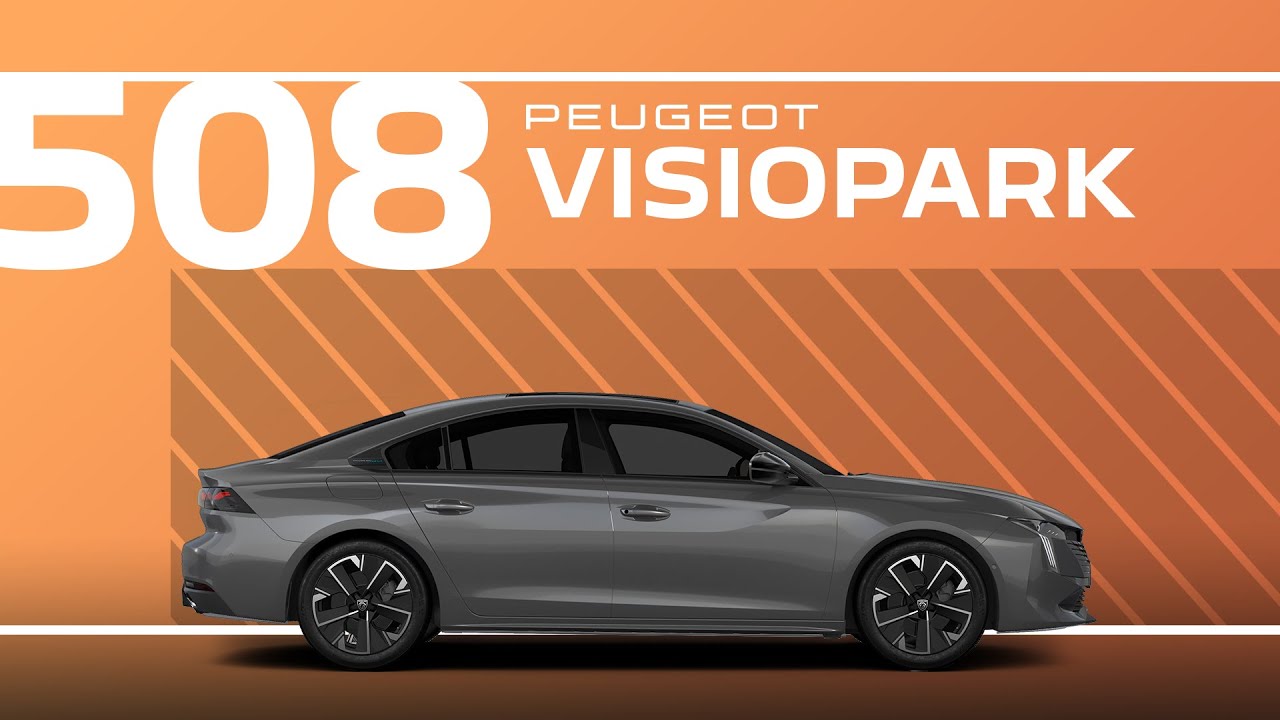
Peugeot 508 Tutorial | Visiopark
Your Pujo 508 is equipped with a system that allows you to view on the touchscreen your vehicle surrounding using cameras located at the front depending on version or option and at the rear. The rear view is automatically displayed when reverse gear is engaged, the engine is running, and the car is stationary. Once you activate rear view, the field of vision in front of your vehicle is automatically displayed if a gear is engaged, the engine is running, and the vehicle’s speed is below 16 km per hour. You can deactivate the touchscreen’s camera view by touching the cross in the top left hand corner of the touchcreen. The screen is separated into four zones with two lateral menus, a contextual view and a view above the vehicle in its surrounding environment. Different views are available for the rear or the front. The automatic zoom view is displayed when you approach an obstacle at less than 30 cm whilst maneuvering. The obstacle is represented by the red line. This view is only available for automatic display. The standard view is displayed on the screen in front or rear camera. The gauge lines in blue at the back and yellow at the front represent the width of your vehicle with its wing mirrors extended. They are oriented according to the position of the steering wheel. The red line represents a distance of 30 cm from the front or back bumper. The two blue lines at the back and the yellow lines at the front represent a distance of 1 m and 2 m respectively. This view is available for automatic display or manual display when selected in the lefth hand lateral menu. The rear or front panoramic views allow you to anticipate the arrival of cars, pedestrians, or cyclists whilst leaving a parking space. It can only be displayed by selecting it in the left-h hand lateral menu. In the lateral menu, you can choose the following functions. Volume control for the acoustic signal. Screen brightness. Screen contrast.
Navigate with precision and ease using the #Visiopark system in your #Peugeot508. This #PeugeotTutorial demonstrates how the advanced camera setup provides clear views of your vehicle’s surroundings, enhancing safety and convenience during parking and manoeuvring. With automatic and manual display options, you can customise your view for every situation.
Learn how to use features like automatic zoom for obstacles, panoramic views for navigating tight spaces, and on-screen guidelines for added accuracy. Adjust settings like volume, brightness, and contrast to optimise your experience. The Visiopark system makes every manoeuvre effortless.
#Peugeot #SmartDriving #DriveAssist
Ready to find out more?
🇫🇷 PEUGEOT 508: https://www.peugeot.fr/nos-vehicules/nouvelle-508-hybrid.html
🇬🇧 PEUGEOT 508: https://www.peugeot.co.uk/models/508-fastback.html
🇪🇸 PEUGEOT 508: https://www.peugeot.es/gama/peugeot-508-hybrid.html
🇮🇹 PEUGEOT 508: https://www.peugeot.it/gamma-modelli/nuova-508-berlina.html
🇩🇪 PEUGEOT 508: https://www.peugeot.de/modelle/limousine-508.html
🌎 Peugeot.com: https://www.peugeot.com/en/peugeot-around-the-world.html
0:06 Overview of the Visiopark system
0:19 Rearview
0:26 Front view
0:39 Deactivating the camera view
0:46 Understanding screen zones and menus
0:55 Available front and rear camera views
0:59 Automatic zoom
1:13 Standard view
1:18 Gauge lines and distance markers explained
1:51 Panoramic views for parking assistance
2:05 Adjusting settings: volume, brightness, contrast