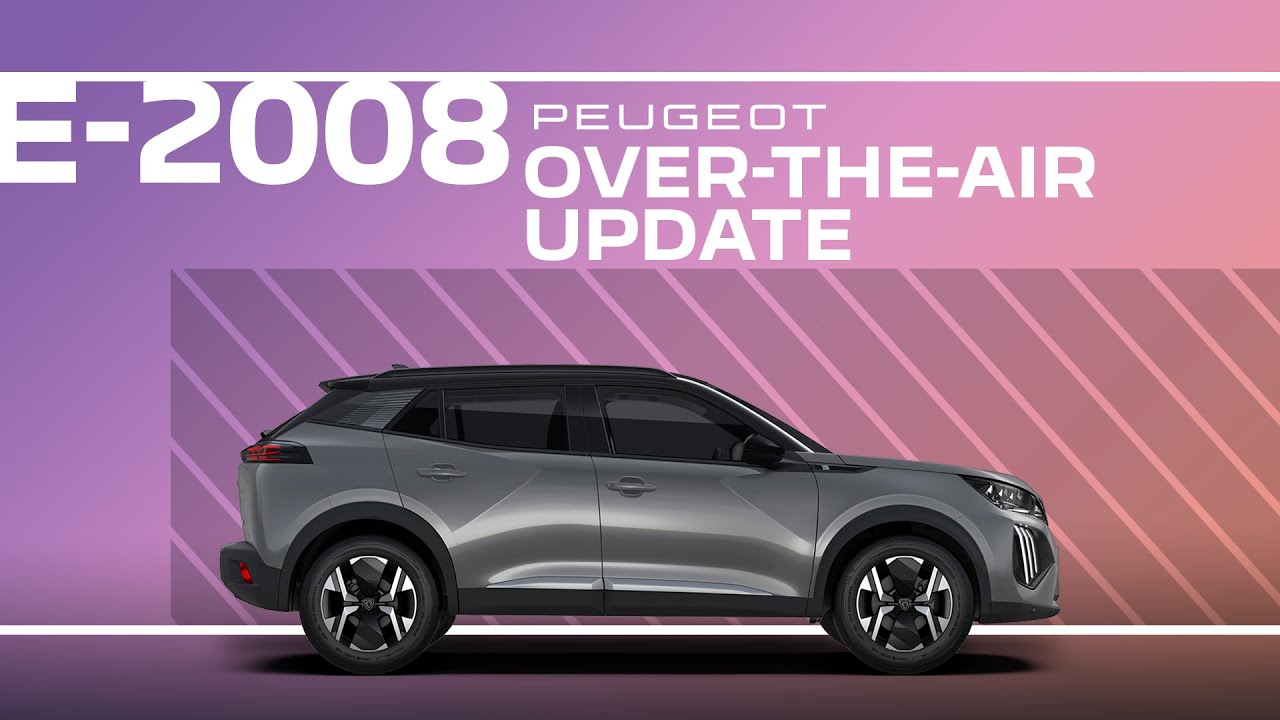
Peugeot 2008 Tutorial | Over-the-Air Updating
As with your smartphone, as long as the system is connected to a cellular or Wi-Fi network, it can notify you of receiving updates. These updates allow the continuous improvement of your Pujo icon system and the updating of the mapping if your vehicle is equipped with 3D navigation. Downloading large automatic mapping updates without customer intervention can only be done via the Wi-Fi network. The availability of an update is notified on the screen at the end of the trip with an option to install immediately or later. The installation duration varies. It can take several minutes with a maximum of around 30 minutes. A notification will give an estimate of the duration and a description of the update. Update information is available through the settings app. In the list, select the updates tab. With this touch, you have the possibility to change the permission for automatic download of updates via an external Wi-Fi network. When you restart your car, a notification is displayed on the central screen to confirm successful download. If the update has failed or expired, please contact the Pujo network or a qualified workshop. Finally, the installation must be carried out with the ignition on without starting the engine. Installation cannot be carried out in the following cases. with the engine running during an ongoing emergency call when the battery level is insufficient when charging for electric vehicles. Thanks to over-the-air technology, your Pujo is rapidly updated so that you can enjoy its infotainment in all simplicity.
Keep your #Peugeot2008 up-to-date with Over-the-Air (OTA) updates for seamless performance and enhanced features. This #PeugeotTutorial walks you through the process of receiving notifications, downloading updates via Wi-Fi, and installing improvements for your #Peugeot #iConnect system and 3D navigation.
Learn how to manage update permissions, handle potential issues, and ensure smooth installations with step-by-step instructions. With OTA technology, your driving experience stays simple and connected.
#Connectivity #SmartDriving #OverTheAir
Find out more:
🇫🇷 PEUGEOT 2008: https://www.peugeot.fr/nos-vehicules/suv-peugeot-2008/hybride-essence.html
🇬🇧 PEUGEOT 2008: https://www.peugeot.co.uk/models/new-peugeot-2008/hybrid-petrol.html
🇪🇸 PEUGEOT 2008: https://www.peugeot.es/gama/nuevo-peugeot-2008/hibrido-gasolina.html
🇮🇹 PEUGEOT 2008: https://www.peugeot.it/gamma-modelli/nuovo-suv-peugeot-2008/termico-hybrid.html
🇩🇪 PEUGEOT 2008: https://www.peugeot.de/modelle/neuer-2008/hybrid-benziner.html
🌎 Peugeot.com: https://www.peugeot.com/en/peugeot-around-the-world.html
0:08 How Over-the-Air updates work
0:16 Benefits of system
0:22 Wi-Fi requirements for large updates
0:33 Update notifications and options
0:43 Installation duration
0:53 Accessing update information through settings
1:00 Managing automatic download permissions
1:08 Confirmation of successful downloads
1:14 Troubleshooting failed updates
1:21 Installation requirements and restrictions