Using My BMW App as an iPhone Widget and on Apple Watch | BMW How-To
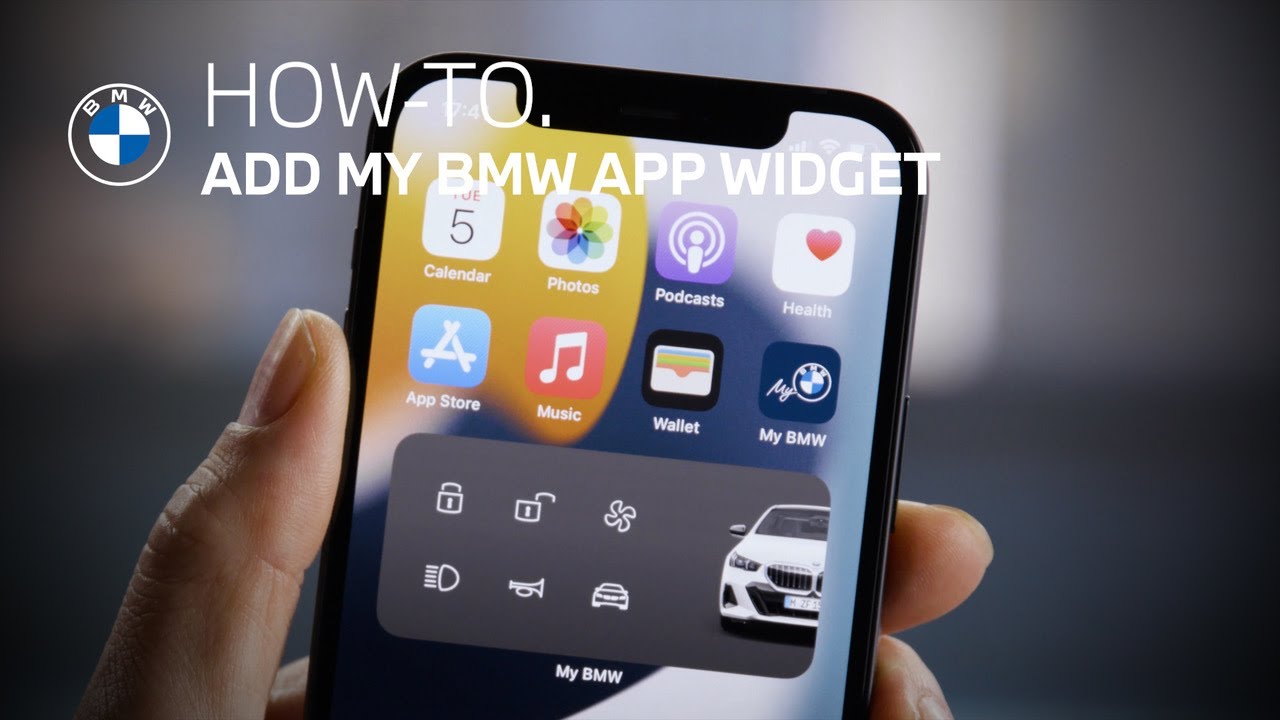
Add the My BMW App to your iOS Home Screen to get faster access to its features.
Here’s how:
Long-press the Home Screen until the apps jiggle.
Tab the “plus” on the top to open the Widget Gallery.
Find the My BMW App and swipe left or right to set the icon size, and “Add Widget”.
While the apps are still jiggling, position the BMW Widget, and you’re done!
Now you can use remote functions really quickly – …like climatizing your BMW.
The My BMW App on your Apple Watch provides the same features.
See if your car is “All Good”, check its fuel level or state of charge, or use remote functions like flashing the lights.
You can now also add a widget to your Lock Screen that informs you of the fueling or charging status, and gives you direct access into the app.
Continue watching our How-To series to explore all the innovative features of your BMW!
Looking for a quick answer? Check out our FAQ page : https://faq.bmwusa.com/
Refer to your owner’s manual or visit: https://www.bmwusa.com/owners-manuals.html
Need further help? Contact us here: https://www.bmwusa.com/contact-us.html