How To Create and Remove Shortcuts | BMW How-To
Increase your comfort by creating BMW shortcuts for your favorite features.
With just a few simple steps, you can personalize your drive. Whether you’re navigating to a frequent destination like work or home, or quickly accessing your favorite radio stations, there are two easy ways to create a shortcut.
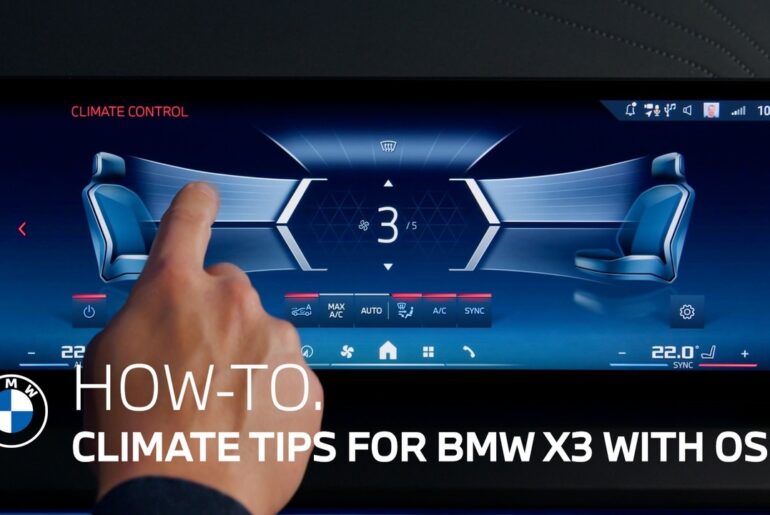
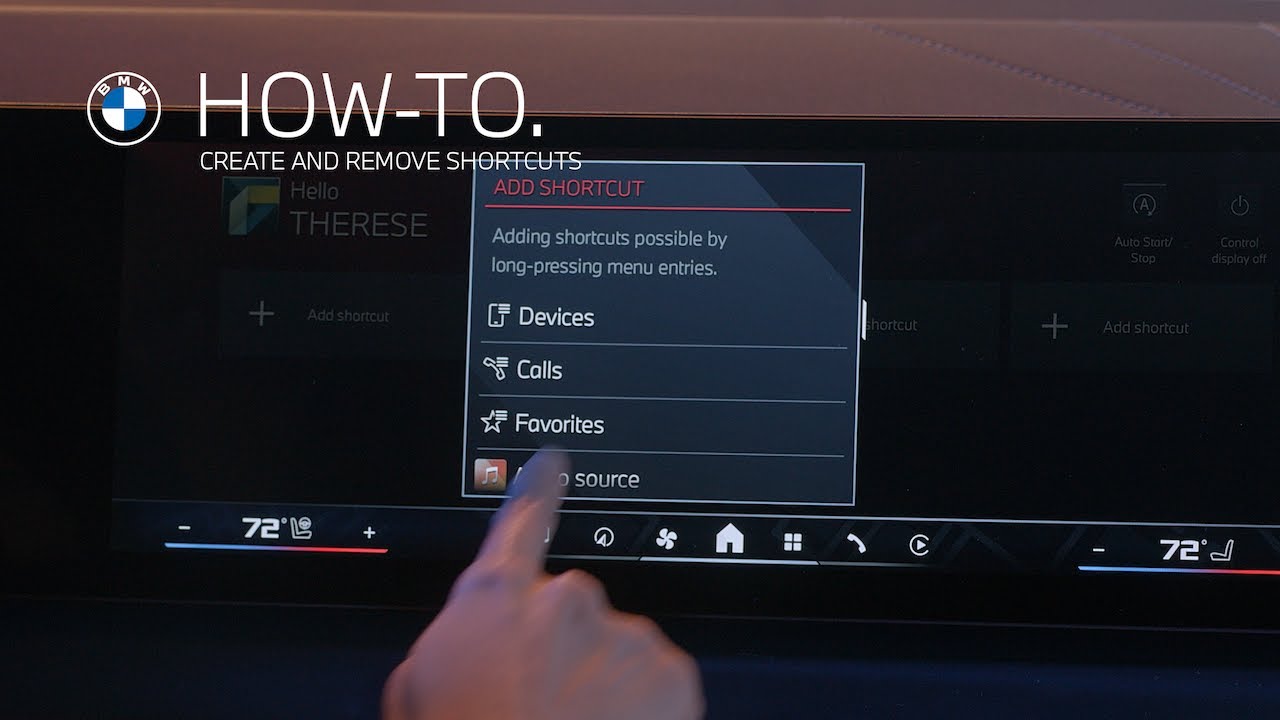
Navigate to the feature you want to save. Then press and hold it. When the Add to Shortcuts menu appears. Tap to save it. This is the fastest way to add a shortcut for things you use often.
Swipe down method: Swipe down on the center information display. Tap Add shortcut and select your desired feature from the list.This method is great if you’re setting up multiple shortcuts at once.
Shortcuts help personalize your drive, keeping essential features just a tap away.
Discover more ways to customize your BMW in our How-To series.
Looking for a quick answer? Check out our FAQ page : https://faq.bmwusa.com/
Refer to your owner’s manual or visit: https://www.bmwusa.com/owners-manuals.html
Need further help? Contact us here: https://www.bmwusa.com/contact-us.html