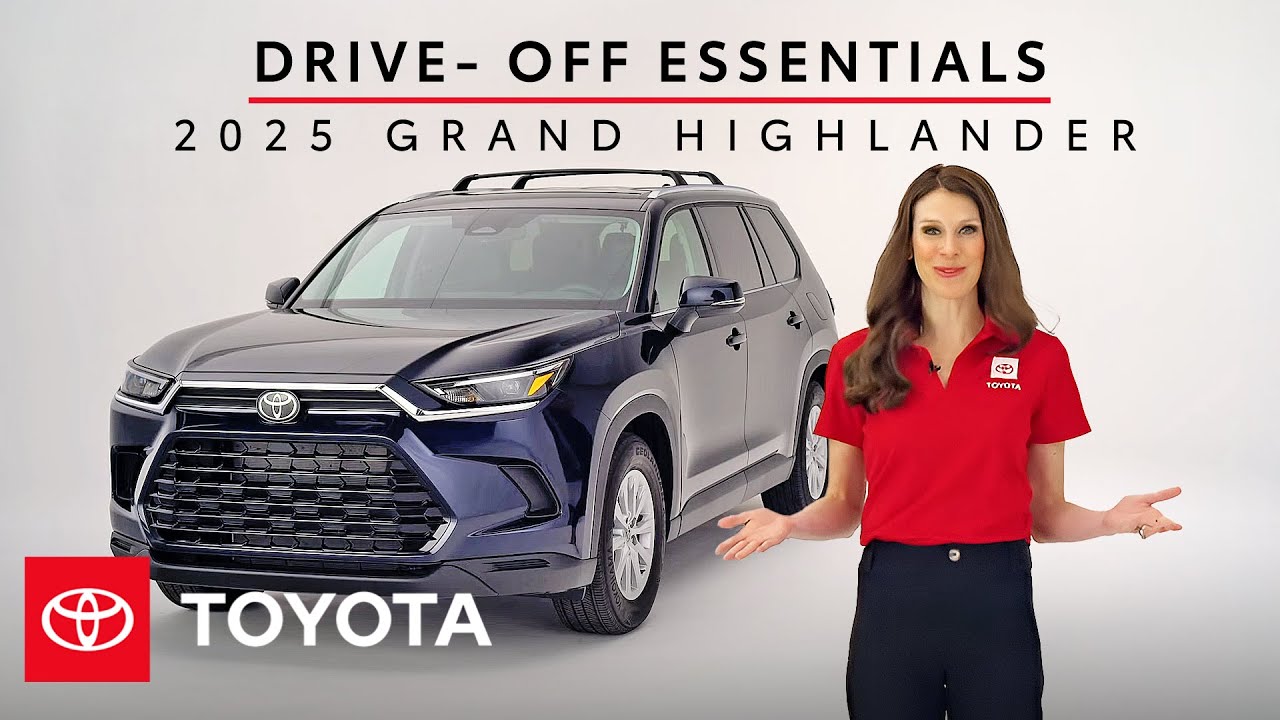
How to Set Up Your 2025 Toyota Grand Highlander | Toyota Grand Highlander Drive-Off Essentials
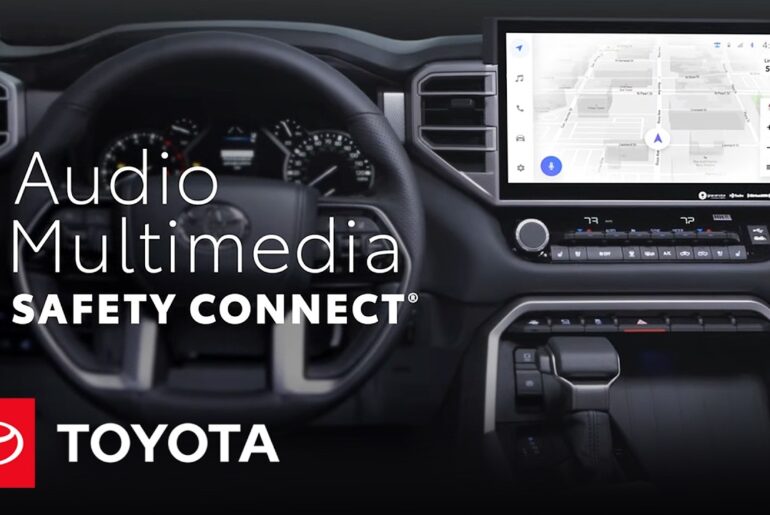
Welcome to your new 2025 Toyota Grand Highlander! We’ll walk you through the essential setup and features of your Grand Highlander audio multimedia system, including Bluetooth pairing, using the Toyota app, and connecting to Apple CarPlay or Android Auto. Learn more about the Toyota Grand Highlander audio multimedia system here: https://www.toyota.com/connected-services/vehicle/grand-highlander/2025/
00:00 How to Set Up Your 2025 Toyota Grand Highlander
00:21 How to Set Up a Toyota App Account
01:29 How to Add Your 2025 Toyota Grand Highlander in the Toyota App
03:11 How to Connect Bluetooth, Apple CarPlay & Android Auto
06:41 How to Change Audio Sources in Your 2025 Toyota Grand Highlander
05:55 How to Update Toyota Audio Multimedia System in Grand Highlander 2025
08:01 How to Save Favorites in ’25 Toyota Grand Highlander
08:53 How to Link Amazon Music or Apple Music to 2025 Toyota Grand Highlander
09:38 2025 Toyota Grand Highlander Voice Assistant
11:06 2025 Toyota Grand Highlander’s Cloud Navigation System Explained
12:30 What is Toyota Remote Connect?
▶More Toyota Highlander videos: https://www.youtube.com/watch?v=9eWXgwJ_sho&list=PLsOvRYzJPCwXBNi8oYCFFVCW0nSz615mr&index=1
▶2025 Toyota Grand Highlander Drive-Off Essentials: https://www.youtube.com/watch?v=fqd1YMnyaFE&list=PLsOvRYzJPCwXjOJ3vnRfSxNmqGHa-Uo_P&index=1
▶Latest Toyota videos: https://www.youtube.com/watch?v=GoidzN9k2Kc&list=PLsOvRYzJPCwVPnQZg9qWBpGP8oHLM1aT_&index=1
Subscribe for more Toyota videos: http://bit.ly/ToyotaSubscribe
Connect with Toyota USA online:
Visit the Toyota WEBSITE: http://bit.ly/ToyotaSite
Like Toyota on FACEBOOK: http://bit.ly/ToyotaUSAFB
Follow Toyota on INSTAGRAM: http://bit.ly/ToyotaInsta
This video covers the essential setup of your 2025 Toyota Grand Highlander’s multimedia system, including Bluetooth, the Toyota app, and smartphone connectivity.
#Toyota #GrandHighlander #SUV