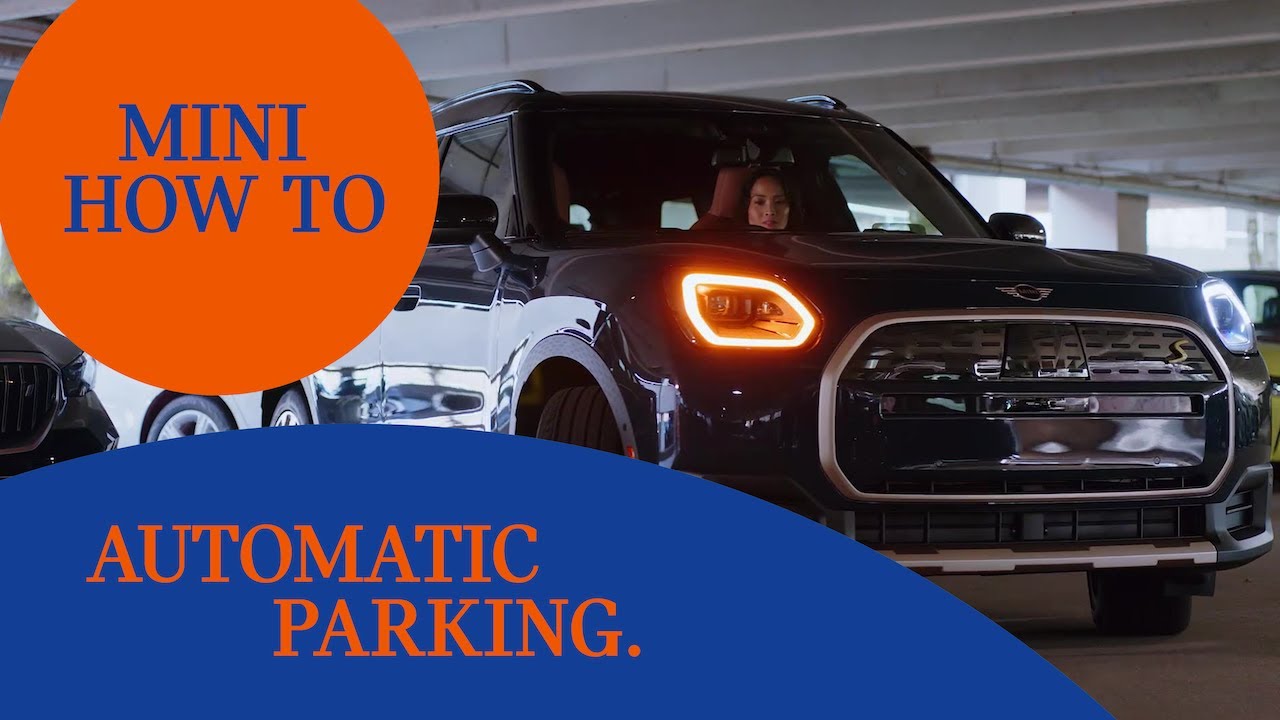
How To Use The Automatic Parking Assistant | MINI How-To
Let the good times roll and enjoy how the MINI Parking Assistant parks your car for you.
It takes over, accelerating, braking and steering to get into parallel and perpendicular parking spaces.
Here’s how.
Press the Parking Assistant button below the toggle bar to open Parking View OR just shift to reverse.
When you drive slowly past parked vehicles, your MINI scans for free spots.
The parking assistant will then suggest parking spaces AND maneuvers on the display and head up display.
Choose your move.
Select an option – Park forward, backward OR select alternative parking spots. You can now even park between line markings.
Let go.
While the car moves automatically you can slow down with the brake.
Lean back and check out our other How-To videos for more about your MINI.
Looking for a quick answer? Check out our FAQ site: https://faq.miniusa.com/
Refer to your owner’s manual or visit: https://www.miniusa.com/owners/tools-support/owner-manuals.html
Need further help? Contact us here: https://www.miniusa.com/footer-navigation/contact.html
Stay updated:
Official Website: http://www.miniusa.com/
Facebook: https://www.facebook.com/MINIUSA
Twitter: https://www.twitter.com/MINIUSA
Instagram: https://www.instagram.com/MINIUSA
YouTube: https://www.youtube.com/user/MINIUSA