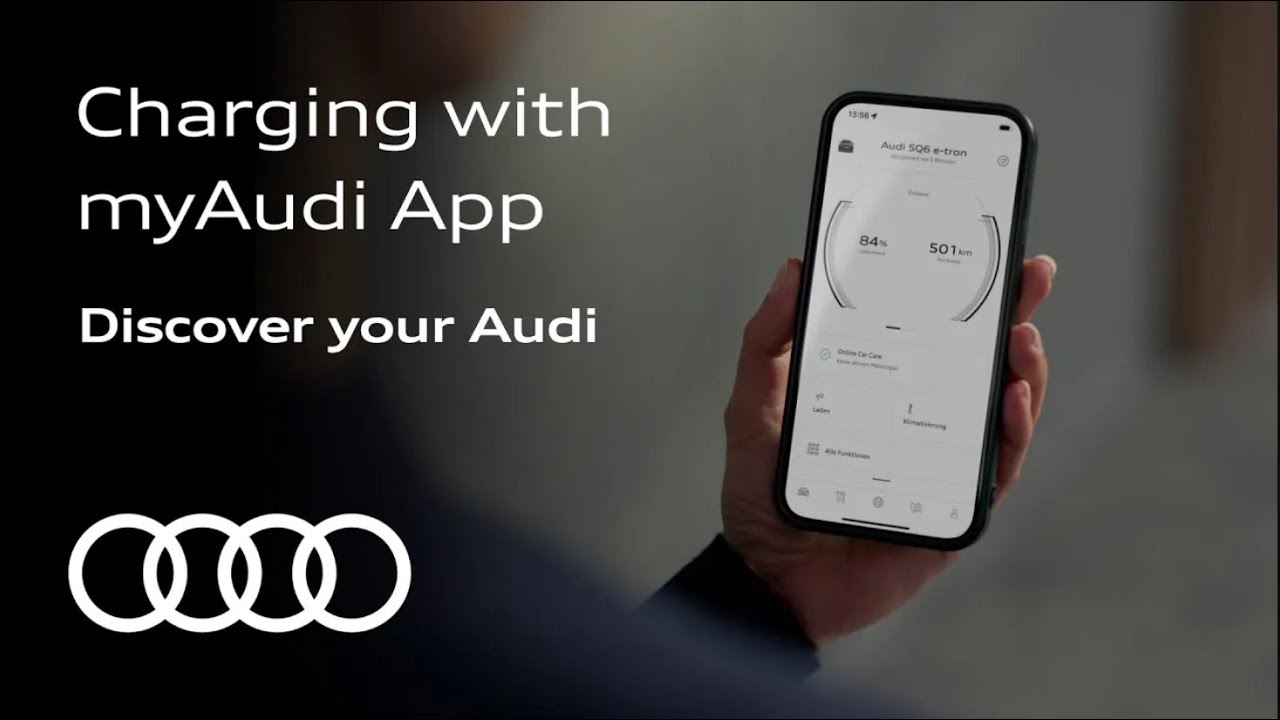
Charging with myAudi App
This how-to video shows who to optimize your Audi e-tron’s charging process using the myAudi app:
1. Set Target Charge Level: Use the app to set your battery’s target charge level. The default is 100%, but 80% is usually sufficient for daily use. For long trips, set it to 100% overnight.
2. Send Settings to Vehicle: After setting the charge level, tap “Send” to apply the settings to your car.
3. Manage Charging Locations: Add or edit frequently-used charging locations in the app. You can also set a departure time for these locations to ensure your car is ready when you need it.
4. Adjust Climate Control: Use the app to set the interior temperature while the car is charging.
These steps help ensure a comfortable and efficient charging experience, reducing energy consumption during your drive.
Always reach your destination safely!
#Audi #myAudi #tutorial
—
SQ6 e-tron: Power consumption (combined): 18,5–17,5 kWh/100 km, CO2 emissions (combined): 0 g/km; CO2 class: A. Optional equipment at extra charge.
The tutorial refers to the vehicle features of the Audi A6 e-tron and Q6 e-tron including its derivatives (PPE platform), as of November 2024.
Requires a verified myAudi account including vehicle connection