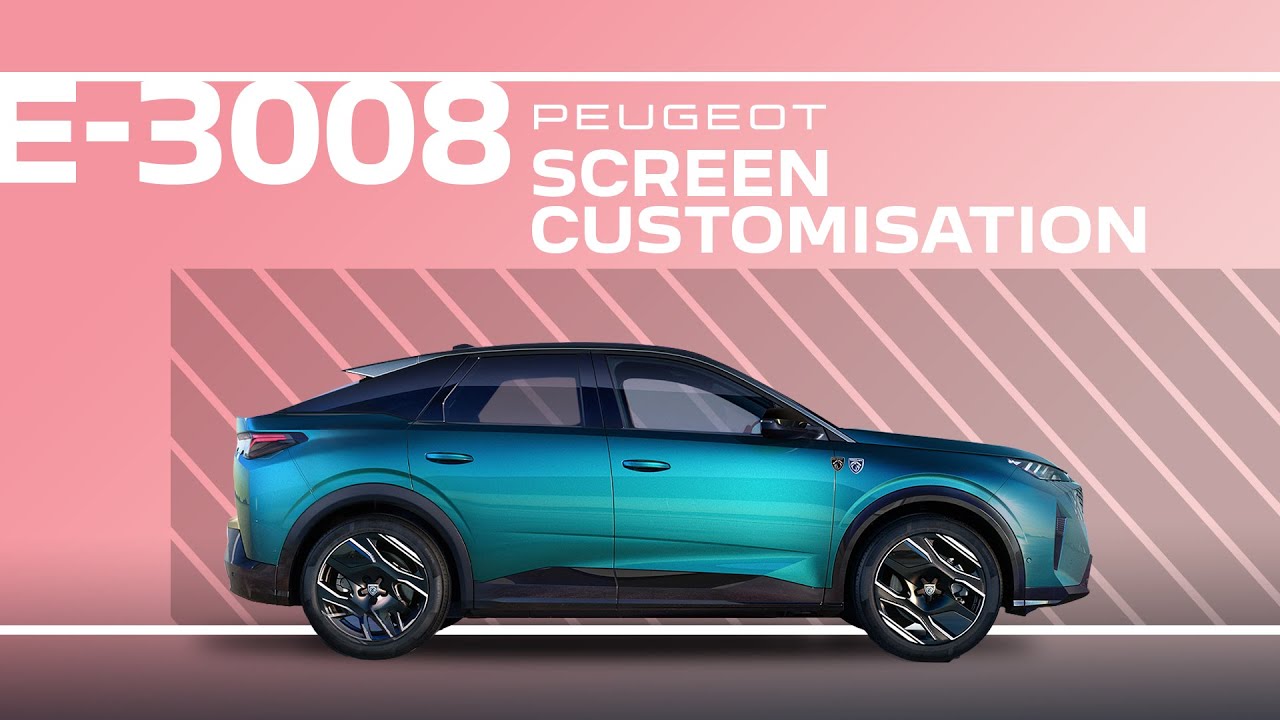
Peugeot E-3008 & 3008 | Tutorial | Screen customisation and digital cluster
With this #PeugeotTutorial, discover how to easily customise your Peugeot 3008 central touchscreen and instrument panel for a more personalised driving experience. Learn how to add, move, or delete widgets, create custom pages, and tailor your driver display to your preferences. Follow these simple steps to organize your system exactly how you like it, ensuring your most-used features are always at your fingertips.
#PeugeotTechnology #CustomDisplay #SmartDriving #PeugeotExperience #PeugeotE3008 #Peugeot3008
0:00 Intro
0:12 Accessing customization options
0:24 Customizing the screen display
0:30 Adding and customizing pages
0:49 Adding and moving widgets
1:00 Deleting widgets
1:07 Reorganizing and deleting pages
1:22 Saving your customizations
1:29 Customizing the instrument panel
1:38 Immediate display of changes on the instrument panel
Ready to find out more?
🇫🇷 PEUGEOT 3008: https://www.peugeot.fr/our-range/new-peugeot-3008/electric.html
🇬🇧 PEUGEOT 3008: https://www.peugeot.co.uk/models/new-peugeot-3008/electric.html
🇪🇸 PEUGEOT 3008: https://www.peugeot.es/our-range/new-peugeot-3008/electric.html
🇮🇹 PEUGEOT 3008: https://www.peugeot.it/our-range/new-peugeot-3008/electric.html
🇩🇪 PEUGEOT 3008: https://www.peugeot.de/modelle/3008/elektro.html