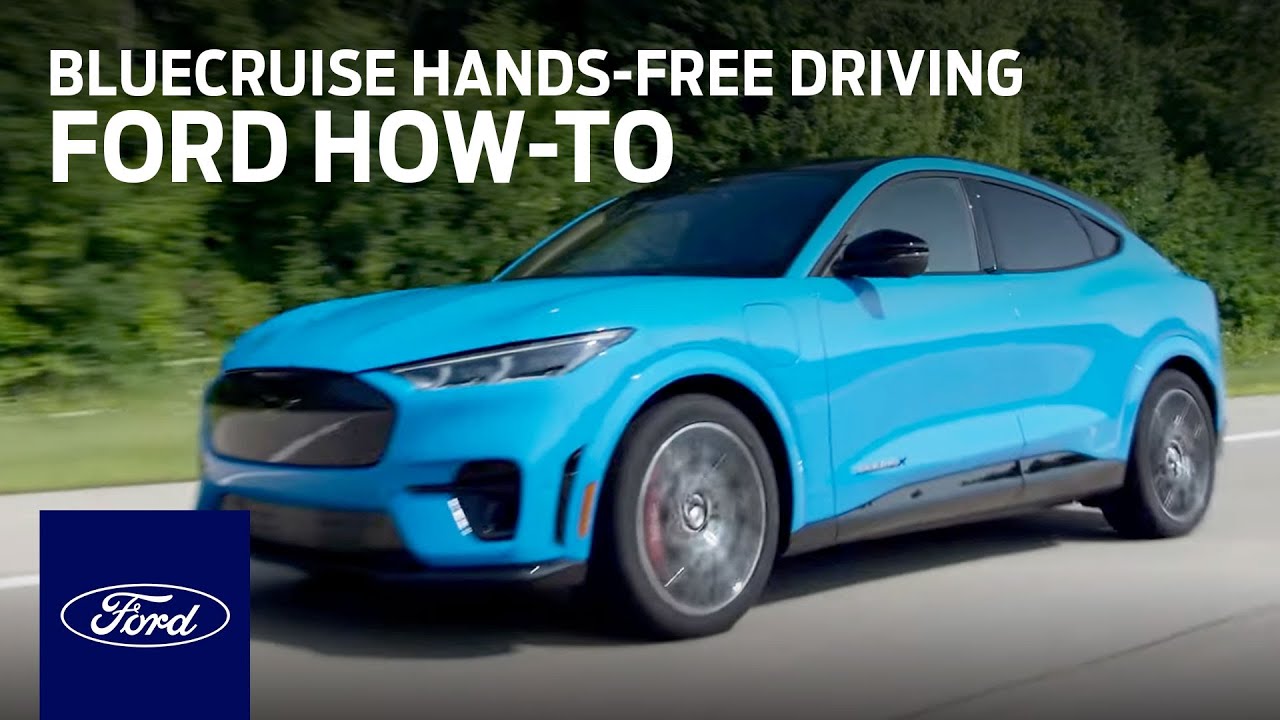
How to drive hands-free with Ford BlueCruise Hands-Free Highway Driving | Ford
– C’mon, bud! Being a working mom takes a lot of energy and a lot of focus. Being behind the wheel is the same. It takes my full attention. And with a six-year-old, it can be tough. But with BlueCruise engaged, I can do both. I can be more available as a mom
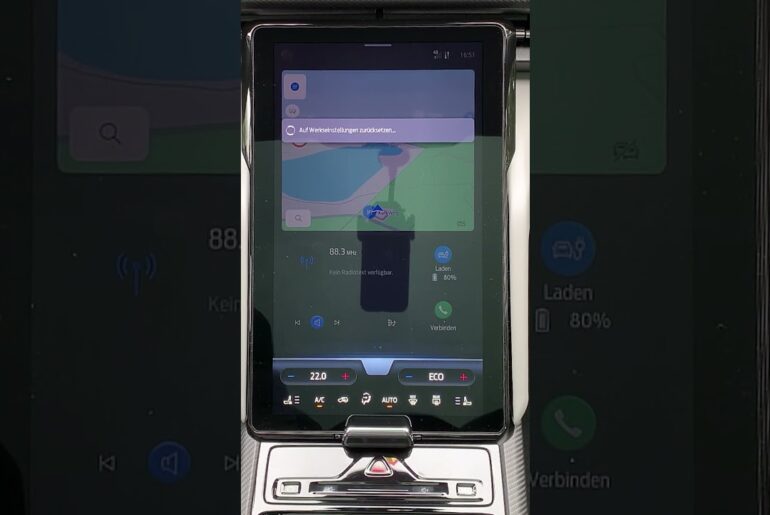
And be a good driver, with full confidence in both. If you haven’t already, you need to download the FordPass app and add your vehicle’s identification number, or your VIN. Then activate the FordPass Connect modem. Once that’s done, turn on lane centering with hands-free. You can find that within your center screen Settings icon
Under Driver Assistance, and then Adaptive Cruise Control. Now, when you enter a blue zone, you’ll see a popup in the display that says BlueCruise is available. Simply press the Adaptive Cruise Control button, and when you see the hands-free symbol appear, you’re good to let go and let the vehicle steer for you.
If you look away from the road for too long, you’ll hear a chime and see a prompt in the instrument panel. I love that I can be more engaged with my son. – Mom, can I play some video games? – Sure, bud, here you go. – Okay, thanks.
– And with the latest version of BlueCruise, if you wanna change lanes, all you have to do is tap the turn signal, and when the lane is clear, the vehicle will move for you. The latest version of BlueCruise also includes a feature called In-Lane Repositioning,
And that’s a feature that will shift your vehicle within your current lane to give you a little bit more room as you’re passing a larger vehicle. My eyes are on the road, but my hands are free to do other things, like pass snacks. With all of these features, BlueCruise really reduces the stress of driving. I arrive at my destination more refreshed and have more energy for the rest of my day. See, it’s super simple to use. So sit back, let go, and enjoy the drive. Isn’t technology awesome?
Simple step-by-step instructions from a Ford expert on how to set up and then engage Ford BlueCruise while in designated Blue Zones. Get ready to sit back, let go and enjoy the ride.
Learn more about Ford BlueCruise: https://www.ford.com/technology/bluecruise/
Discover more How-To videos here: https://ford.to/3EgAiko
SUBSCRIBE: http://ford.to/SubscribeFordMotorCompany
#Ford #BlueCruise
Connect with Ford: http://ford.to/FordMotorCompany
Facebook: http://ford.to/FordMotorCompanyFB
Twitter: http://ford.to/FordMotorCompanyTW
Instagram: http://ford.to/FordMotorCompanyIG
About Ford:
The official YouTube channel for Ford Motor Company. Subscribe for weekly videos showcasing our vehicles, innovation and stories that inspire you to go further. Our videos are here for your entertainment, and you are welcome to use, share and embed links for all our videos, but the videos themselves are property of Ford Motor Company. You are not permitted to download any video and re-upload under any circumstances without written consent from Ford Motor Company.
How to drive hands-free with Ford BlueCruise Hands-Free Highway Driving | Ford
https://www.youtube.com/user/Ford