E-transit Driver Resource | FORD
To get started you’ll press down on the brake pedal insert the key into the ignition and turn clockwise you’ll notice the van is whisper Quiet to change drive modes press the button below the touchcreen with the flag leaf and snowflake icons or using the touch screen tap features then drive modes and select your desired setting these include normal or default mode everyday driving eco mode for maximum driving range and slippery mode for slick driving conditions
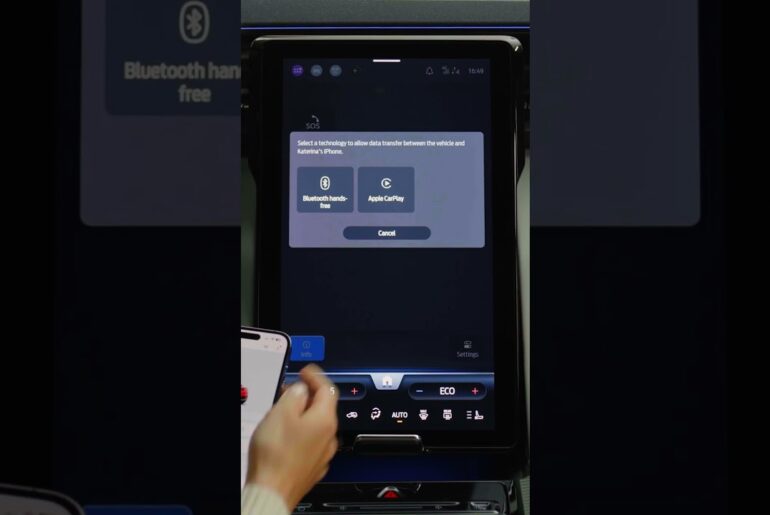
To change the interior temperature use the climate controls visible across the black bar at the bottom of the touch screen to increase driving range make sure Max AC and E heat are turned off and recirculated air is turned On to pair your phone make sure the vehicle is parked and turn on your phone’s Bluetooth setting on the homepage of the touch screen tap connect phone then tap add phone search for your vehicle on your device and select it once it is found then you’ll follow the
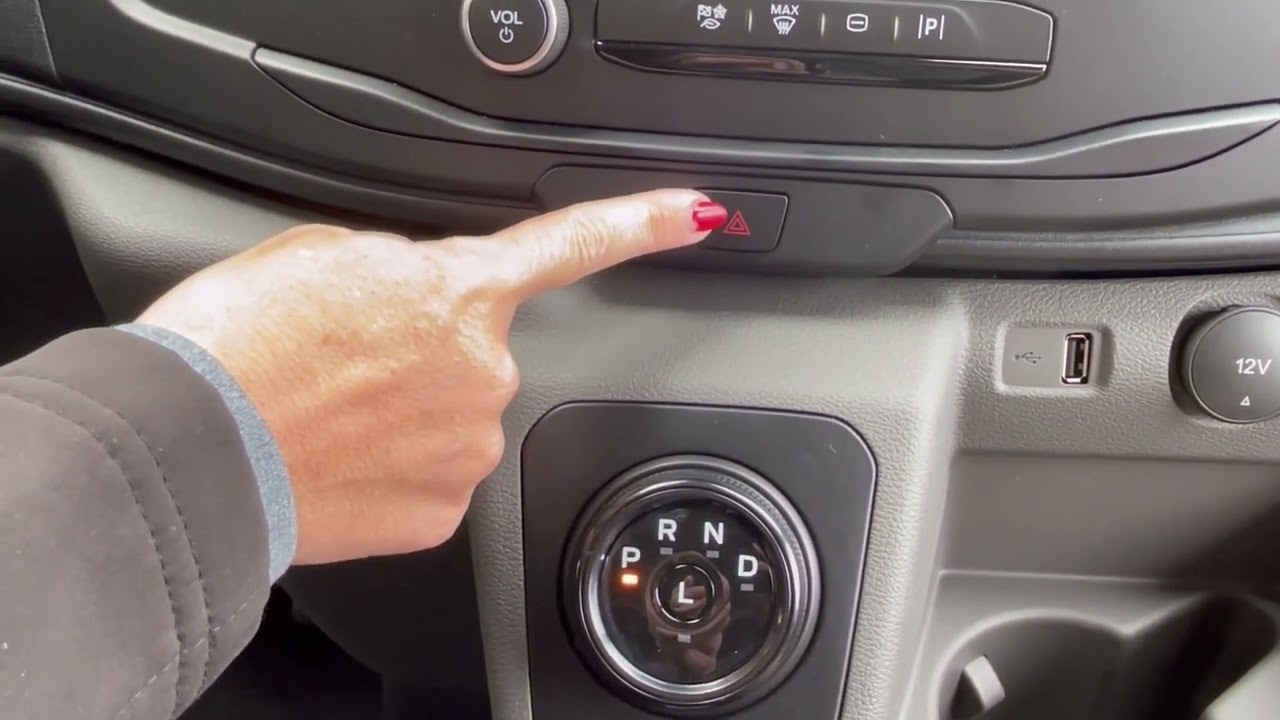
Instructions on the screen and on your Phone the regenerative brake system activates when you lift your foot off the accelerator you may feel the van automatically slow down and no notice the gauge on the far left of the dashboard moved to the green section this system recovers energy typically lost when braking to help maximize the vehicle Range to turn your hazard lights on and off press the red triangle button below the touch Screen you can precondition or automatic set the temperature of the vehicle Before you depart each day using the touchcreen tap features then departure and comfort then select your desired days times and temperature this feature adjusts the battery to the temperature that helps maximize the vehicle’s Range once you arrive at your charging location be sure to park and turn off the vehicle locate the charge port door on the front grill of the vehicle and push to Open remove the dust cap from the charge port receptacle shaped like a circle if you’re using a level three charger also flip down the oval-shaped dust cap follow the instructions listed on the charging station plug the charger handle into the charge port a scrolling White light means the coupler is
Connecting a flashing blue light means the vehicle is charging properly a solid blue light confirms the charge is complete when done remove the charger Handle by pressing the button on top and pulling it away from the charge port replace the dust caps back on the charge ports then push the charge port door
Closed for your safety the vehicle will not shift out of park until the charger is removed from the charge port
This video guides E-transit customers through the onboarding process and offers step-by-step instructions on vehicle operations, phone pairing, drive modes, climate controls, preconditioning, and charging.
SUBSCRIBE: http://ford.to/SubscribeFordMotorCompany
Connect with Ford: http://ford.to/FordMotorCompany
Facebook: http://ford.to/FordMotorCompanyFB
Twitter: http://ford.to/FordMotorCompanyTW
Instagram: http://ford.to/FordMotorCompanyIG
About Ford:
The official YouTube channel for Ford Motor Company. Subscribe for weekly videos showcasing our vehicles, innovation and stories that inspire you to go further. Our videos are here for your knowledge, and you are welcome to use, share and embed links for all our videos, but the videos themselves are property of Ford Motor Company. You are not permitted to download any video and re-upload under any circumstances without written consent from Ford Motor Company.
https://www.youtube.com/user/Ford