How to manage your preferred service partner | MINI How To
Take care of your MINI: Assign a preferred MINI service partner to get quick and easy access to vehicle services. If your MINI needs maintenance, your selected Service Partner is informed by the automatic MINI Teleservice Call. Choose a service partner easily – in your MINI or with the MINI App.
Prefer using your MINI’s infotainment system? Go to “APPS”, “MINI Assistance”, “Service Partner Management”, “Service Partner Search“ and select “Next“. Start your search by using your current location or try other destinations in the navigation system. Select your MINI service partner and confirm. Now it’s your preferred one.
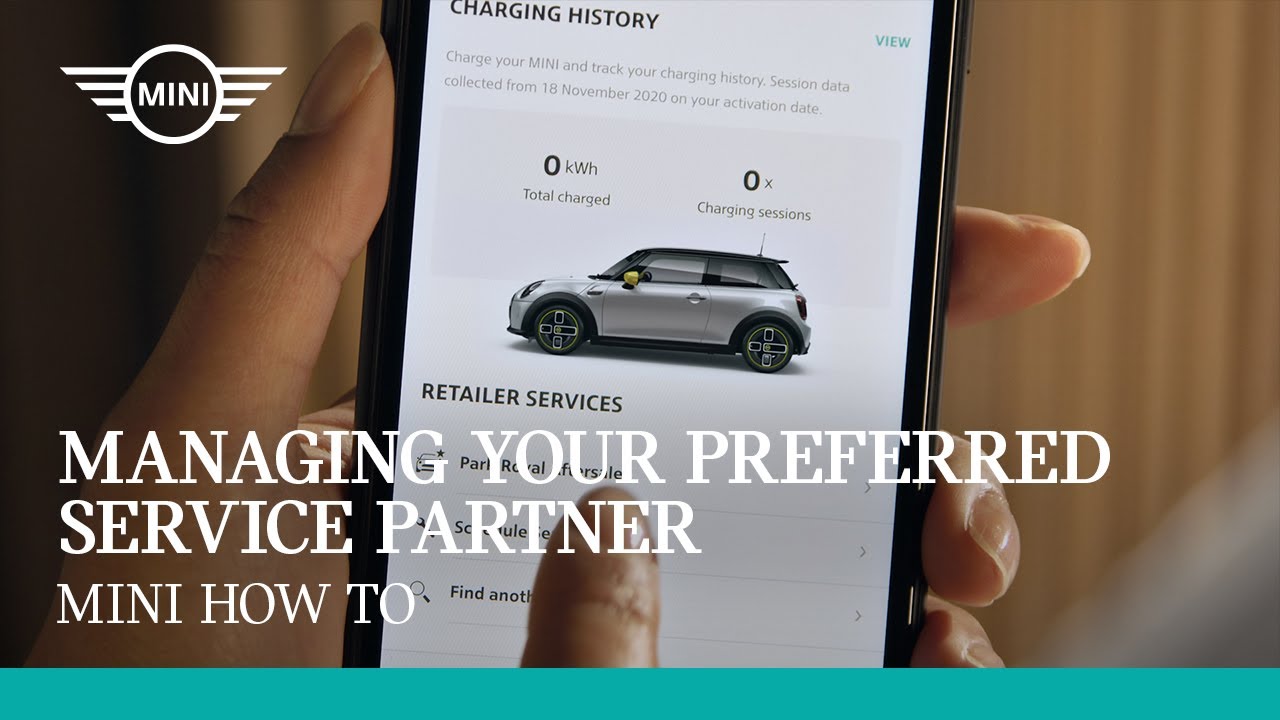
Go mobile: To find service partners in the MINI App, just click “Select retailer” in the vehicle tab. The map tab shows a list of MINI dealers around you. Of course you can also search manually. Found your favorite? Connect it to your MINI by selecting “Save as preferred”. The vehicle tab shows you your retailer: Click on it and you can call your dealer on the phone directly. Or if you need a service, simply schedule an appointment in the MINI App.
The MINI App is available since summer 2020 in selected markets. Other markets will follow.
You can download the MINI App from Apple’s App Store and Google’s Play Store.
Features depend on market availability.
Want more? Watch our How To Series and learn to use your MINI to the fullest. Be sure to leave us your feedback in the comments below.
More detailed information on your vehicle’s equipment and functions is available in the MINI Driver’s Guide App or in your Owner’s Handbook.